 E-book Registration

Online E-book Instructions
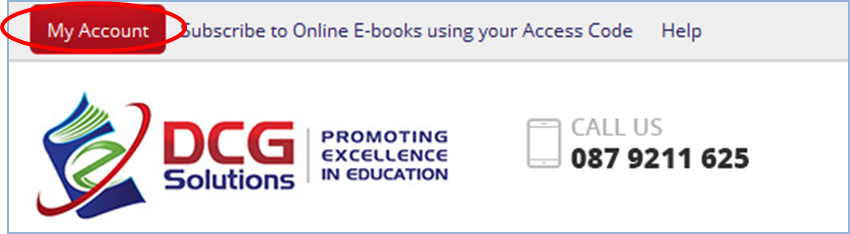
Press the My Account Button on the top left of the screen, log in using the User Name and Password chosen by you when you set up the online account.
Please note: you must create an account before you can access the online books.
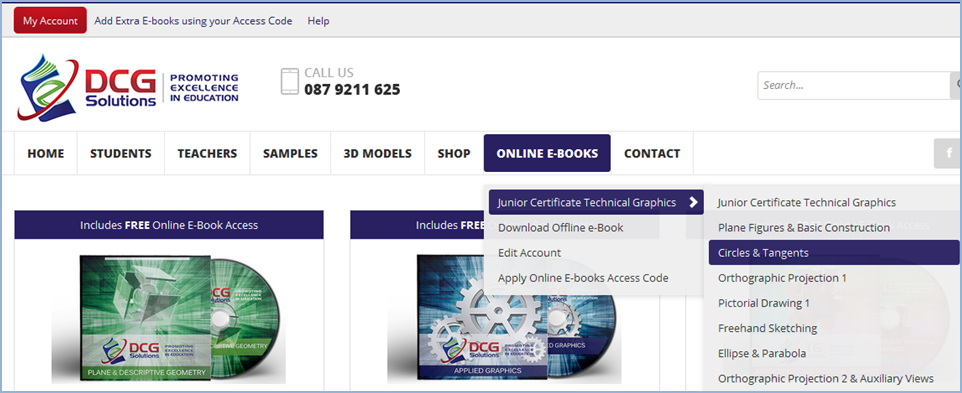
A new link will appear on the top tab called Online E-books, use the dropdown menu from Online E-books to access the student packages and different chapters.
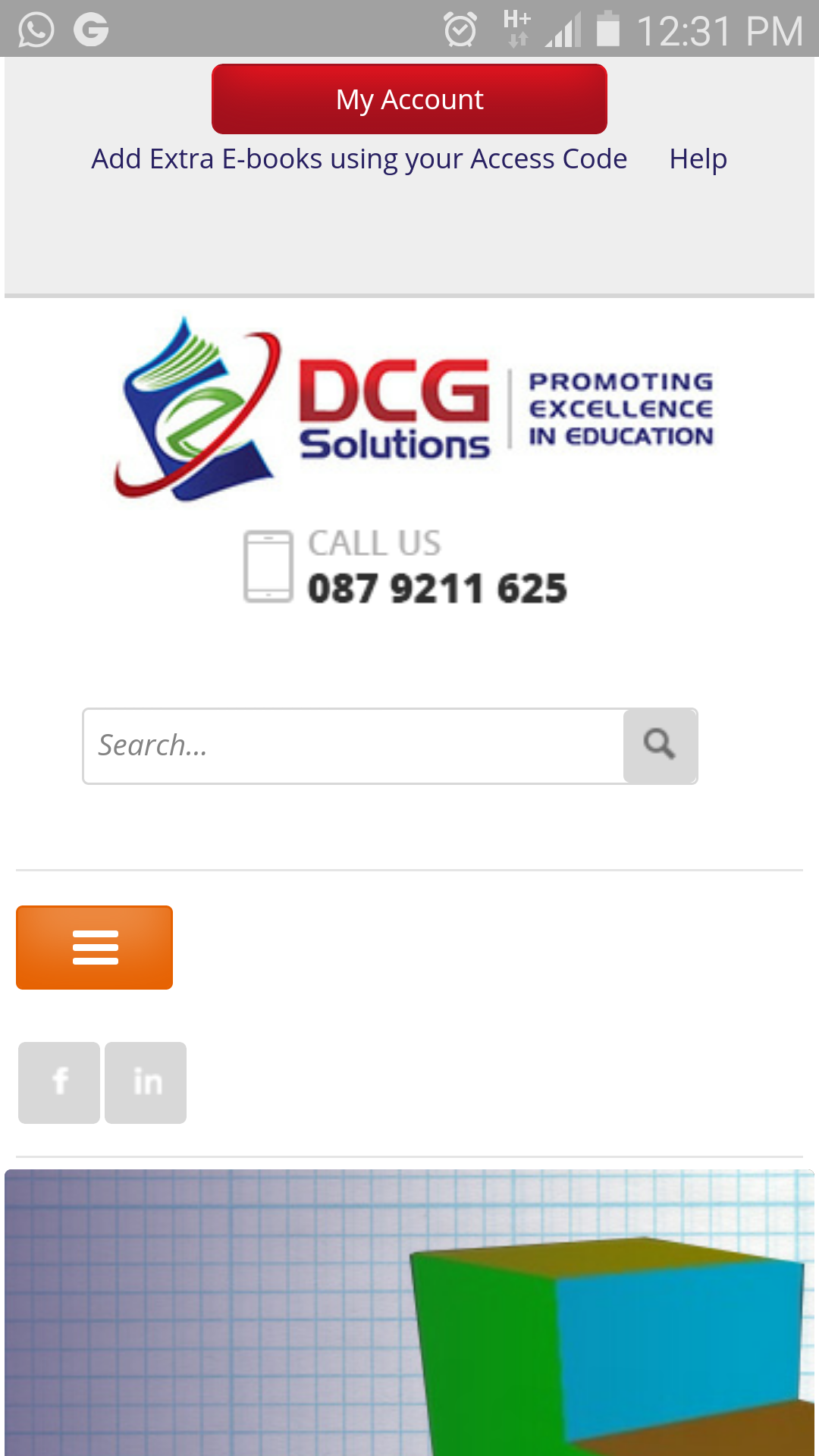
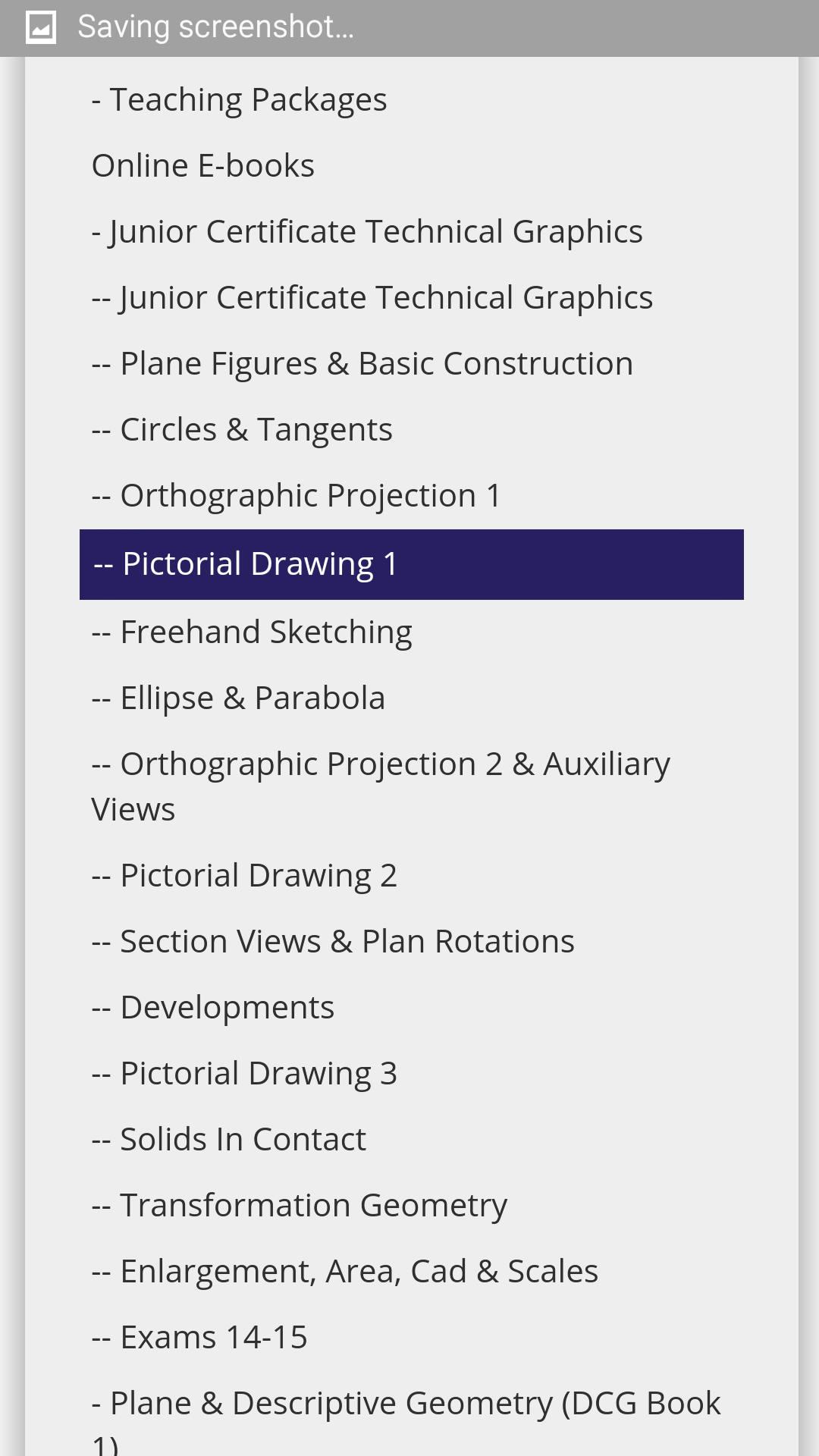
On Smaller mobile devices use the orange menu button to expand the menu;
Note: Only one open session per user is permitted at a time, when leaving the site (or moving from one PC to another) please use the My Account button on the top left to log out.
If you forget to do this you will be able to log back in again after a period of inactivity.
Add Extra Ebooks
To add extra E-books on to your account; Log in to your account, go to Online E-books, and choose Add Extra E-book from the drop down Menu. Full Instructions Here
Download
Use the dropdown menu from Online E-books to locate Download Offline E-books Registration.
One of more download links should be available, shown below. Click the Download eBook link to go to the download page.
Full instructions can be found here.
For additional help or queries please choose from the links below.




 Seafield, Quilty